

TV Mounting
5 Tips to Prepare Your Apartment for Professional TV Mounting in Los Angeles
December 6, 2025

The Key to a Smooth Installation
Professional mounting transforms your living room — but preparation makes all the difference. If you are still deciding between doing it yourself and calling a pro, you can read our guide on DIY vs professional TV installation for Los Angeles homes.
Before UrbanOrbits technicians arrive, a few smart steps can save time, avoid mess, and guarantee a cleaner result.
Here’s how to get your Los Angeles apartment ready for a perfect installation.
1. Choose the Right Wall and Height
Your wall type determines everything — from the bracket you need to the safety of your setup.
In most LA apartments, walls are drywall with metal or wooden studs. Avoid thin partitions or surfaces shared with plumbing or ventilation shafts.
UrbanOrbits Tip:
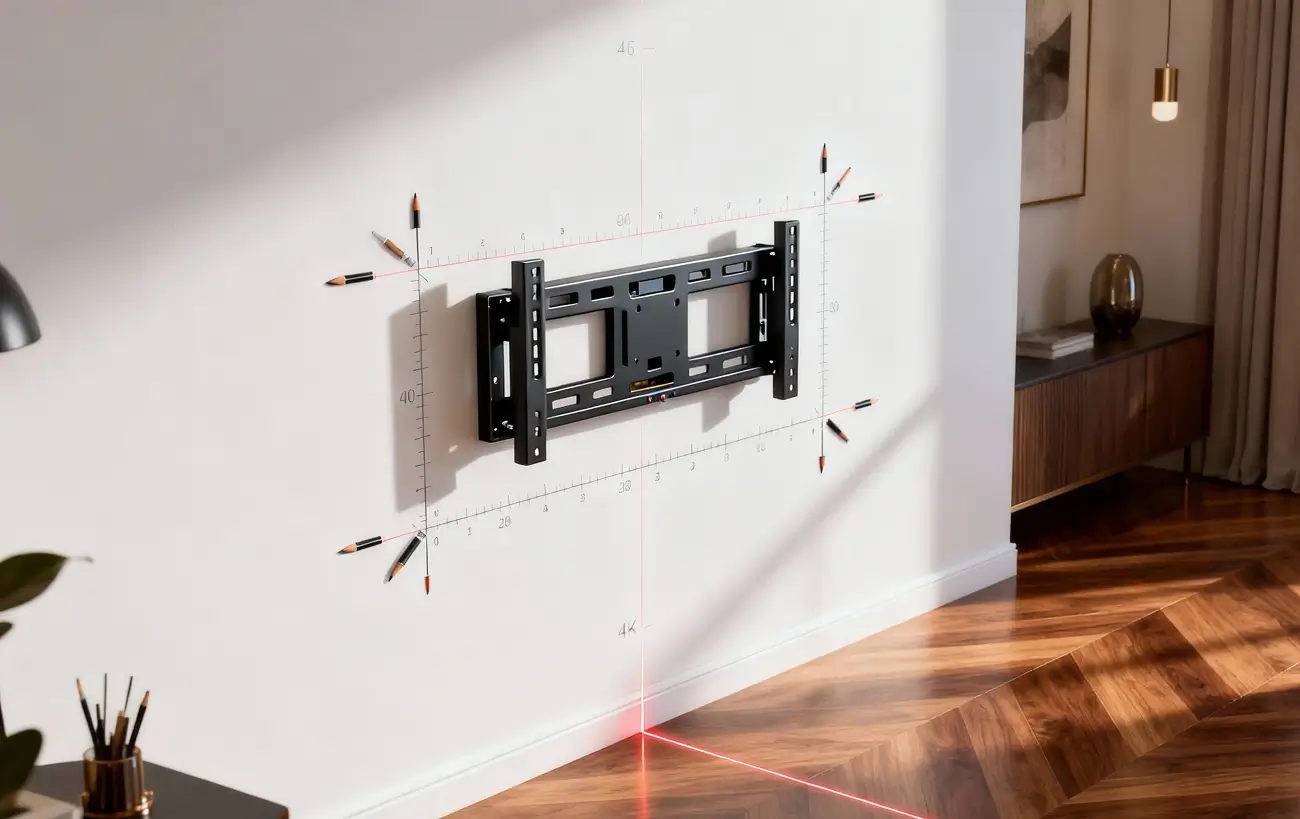
Eye level when seated should align with the center of the screen. For most setups, that’s around 42–48 inches from the floor.
If you’re not sure where studs are located, don’t worry — UrbanOrbits technicians handle full wall scanning and structural analysis on-site.
2. Plan Power Access and Cable Routes
Few things ruin a clean setup faster than visible cords.
Before installation day, make sure your nearest outlet is easily accessible or add an extension designed for media walls.
If you prefer a fully clean look, UrbanOrbits offers in-wall cable concealment and power relocation options — ensuring your setup stays safe and seamless.
3. Clear the Area for Safe Movement
Technicians need room to maneuver equipment, ladders, and large TVs.
Move fragile décor, small furniture, and electronics away from the wall before the appointment.
This simple step helps avoid accidental damage and speeds up the process.
Pro installers like UrbanOrbits work efficiently — most installations take under 90 minutes when the area is prepped properly.
4. Decide on Accessories Early
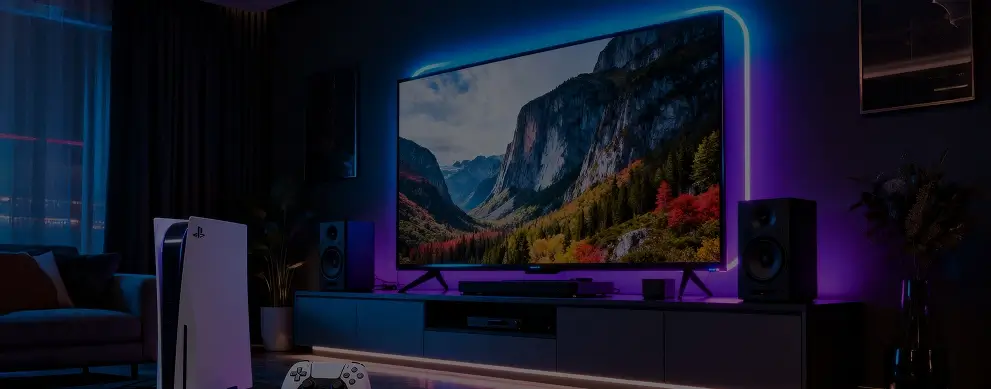
If you’re planning to mount a soundbar, LED backlighting, or streaming box, tell your installer in advance.
UrbanOrbits integrates accessories directly into the design, ensuring that all components are aligned and cable management stays hidden.
Proper planning prevents mismatched brackets or uneven spacing — two of the most common DIY mistakes.
5. Confirm Wi-Fi and Device Connections
Once your TV is mounted, the setup continues — streaming apps, consoles, smart hubs, and speakers all need to connect smoothly.
Have your Wi-Fi password, remotes, and smart-device logins ready so the technician can complete full configuration before leaving.
UrbanOrbits provides post-install device sync, so everything from your Apple TV to your soundbar works flawlessly right away.
Your LA Setup, Simplified
Preparation may take a few minutes, but it ensures your installation looks effortless.
When professionals handle the details — from studs to sound — your wall becomes more than a surface; it becomes part of your lifestyle.
In Los Angeles, where design meets precision, UrbanOrbits turns a simple TV mount into a statement of modern living.


